Appearance
ACROWRX - Contest Sequences
📢 - INFO
This page provides basic information on how to obtain the Contest Sequences.
Contest Sequences
Before you join, open the contest on the Contest page: the Categories and programs panel lists each category's programs. Click a program to view its sequence. The Unknown stays locked until you join (everyone can see it once results are published).
After you join, your flights table has a Sequence column for each program you fly, with the tools to get it:
 View the sequence figure by figure
 Copy the OLAN code to your clipboard
 Open it in OpenAero, already loaded
 Print or
  download the sequence card
Free programs show Your own sequence: you upload your Free with the flight (see Uploading Contest Flights).

Using OpenAero to view your sequences
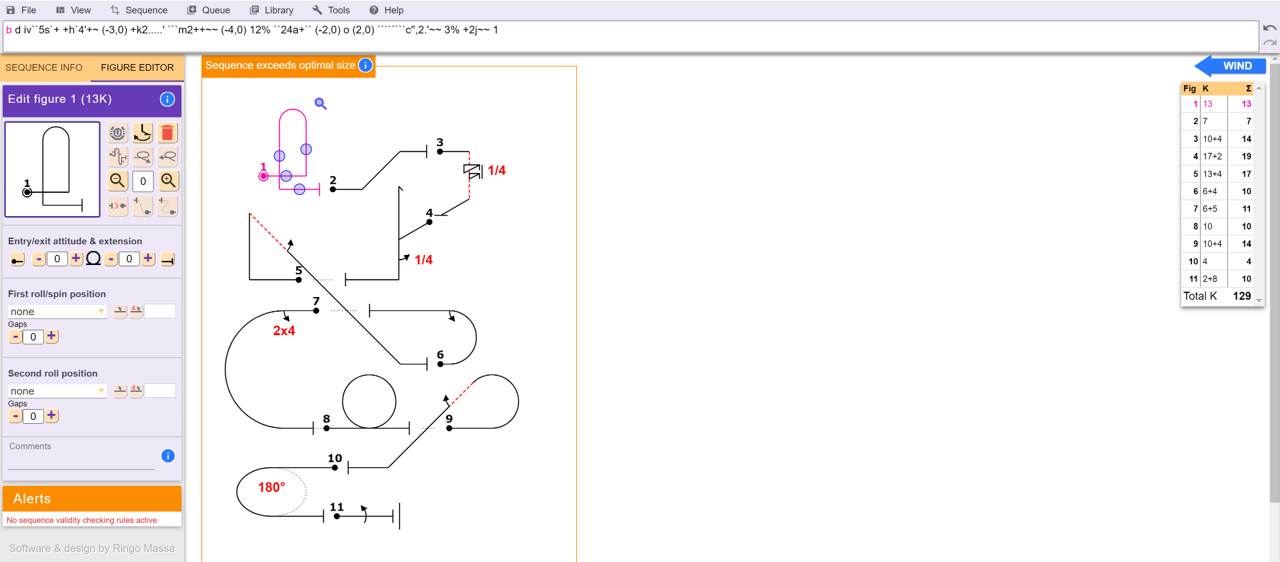
The Open in OpenAero button opens ACROWRX's built-in copy of OpenAero with the sequence already loaded. Use it to create Forms A, B, and C or to edit your Free Known sequence. You can also open OpenAero yourself and paste the copied OLAN code into the designated area.
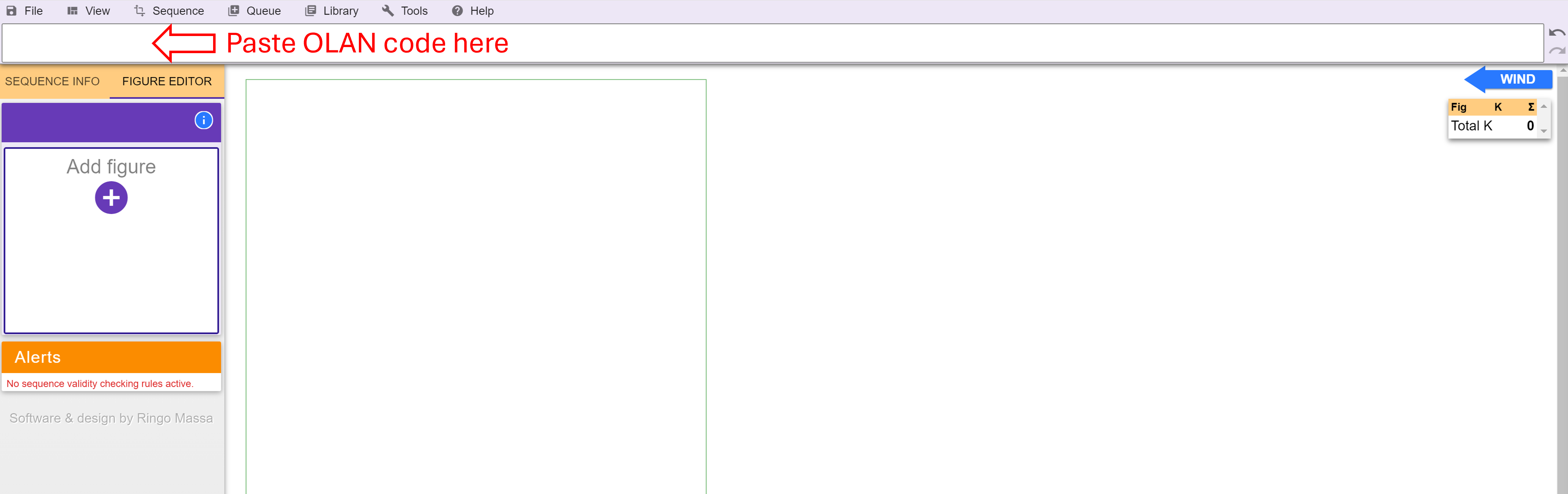
Once you paste the OLAN code, you will be able to edit, print, and make all necessary adjustments to create your sequence card for flying!